


Choosing the best web hosting provider is crucial for your website’s success. When someone types your website address into a browser, the hosting provider’s server processes the request and quickly sends back everything needed, like images, text, code, and databases. This allows your site to load and work correctly. This process happens in milliseconds and needs to be reliable at all times.
Modern hosting providers offer performance improvement, strong security, scalability, automatic backups, and expert technical support. With Google’s focus on speed, uptime, and user experience, picking the right hosting provider is now a crucial choice.
Let’s look at the top 10 best web hosting services. This list will help you pick a hosting company that fits what you need and helps your website do well over time.
- WPX
WPX has established itself as one of the top web hosting services, specializing as a premium provider focused on premium performance for Managed WordPress hosting. It is especially well-suited for bloggers, growing businesses, and agencies that demand fast load times, proactive security, and great customer support.

(Source: WPX)
Pros of WPX Hosting
- With simple SSL, email, and DNS management, plus full mobile responsiveness, the WPX dashboard allows you to manage your hosting easily from anywhere.
- WPX is known for its 24/7 customer support in the WordPress hosting space. Its live chat response time is very quick, and support requests are usually resolved within minutes. With the “Fixed For You” guarantee, WPX experts will fix problems for customers at no extra cost.
- WPX’s custom control panel enables instant WordPress launches and easy management of multiple sites and domains with custom labels.
- WPX runs its own high-performance servers and a custom-built global CDN, XDN, which includes over 40 worldwide endpoints for free. Together with LiteSpeed-powered infrastructure, improved caching, and proactive speed optimizations, WPX consistently provides fast WordPress load times.
- All plans come with a custom global CDN, free SSL, daily backups, malware scanning and removal, and hybrid DDoS protection. WPX also takes care of security cleanups for you automatically, with no extra fees.
- Pricing transparency is another advantage. WPX does not raise renewal prices—customers pay the same rate year after year. Plans range from the Starter tier for a single high-performance site to the Agency plan for freelancers and agencies with up to 200 websites. All plans offer generous RAM, CPU, and PHP workers.
Cons of WPX Hosting
- It will take some time for those who are already used to the traditional cPanel setup, as this control panel is custom-made, and not something that folks are usually familiar with.
- Plans have defined storage, bandwidth, and PHP worker limits, which are generous for most use cases but may require upgrades for extremely high-traffic, media-heavy WooCommerce sites.
2. Hosting.de
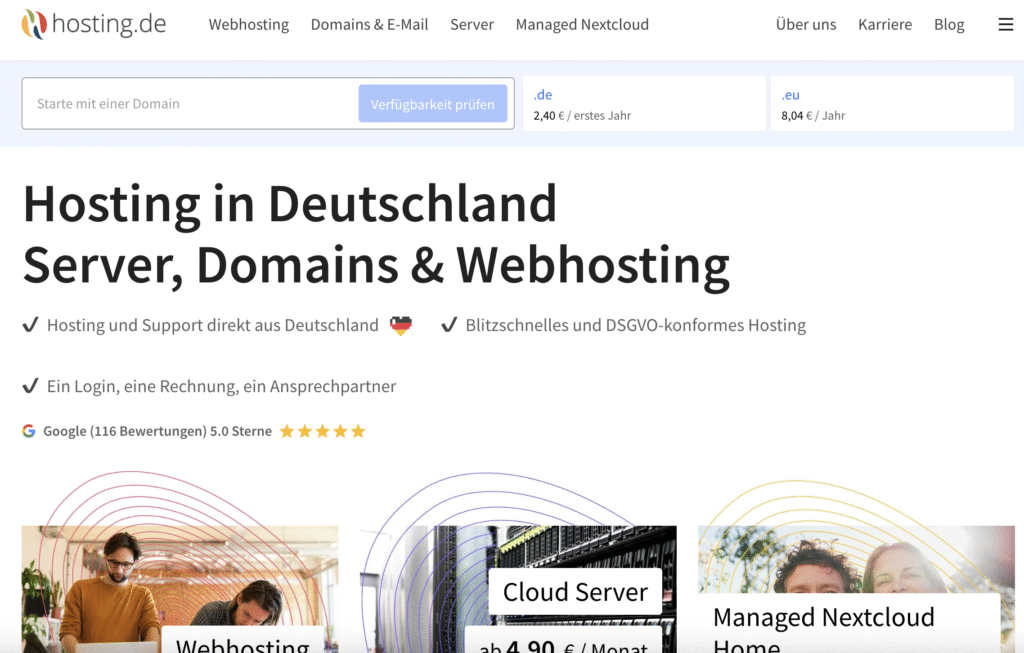
hosting.de is a Germany-based provider built for reliable domain, DNS, email, and web hosting with a strong emphasis on automation and data protection. It’s a solid pick for agencies, resellers, and privacy-conscious teams that want dependable infrastructure in German data centers, along with a robust API for bulk management. The overall experience is pragmatic: clean tooling, predictable operations, and GDPR-first handling.
Pros of hosting.de
- With data centers in Germany, hosting.de delivers low-latency performance across Europe, making it a strong fit for businesses targeting EU customers.
- The platform is fully GDPR‑compliant with EU data residency, supporting strict privacy and regulatory requirements.
- Infrastructure is optimized for speed and security, pairing modern storage and networking with automated TLS to keep sites fast and protected.
- It offers specialized hosting that supports popular CMSs such as WordPress, Joomla, and TYPO3, making installs and management straightforward.
- You’ll often find sharp promotions, including entry VPS offers like “VPS for 1 Euro”.
- hosting.de functions as an all‑in‑one toolkit for websites, bundling domains, DNS, email, SSL, and web hosting so teams can manage everything in one place.
- For advanced users and agencies, a mature API and reseller‑friendly options (including white‑labeling and role‑based access) streamline automation and client work
Cons of hosting.de
- While excellent for the EU, the European-focused data center footprint offers fewer global locations than large international hosts.
- Customer support is limited to English and German, which may be inconvenient if you need assistance in other languages.
3. Atlantic.Net
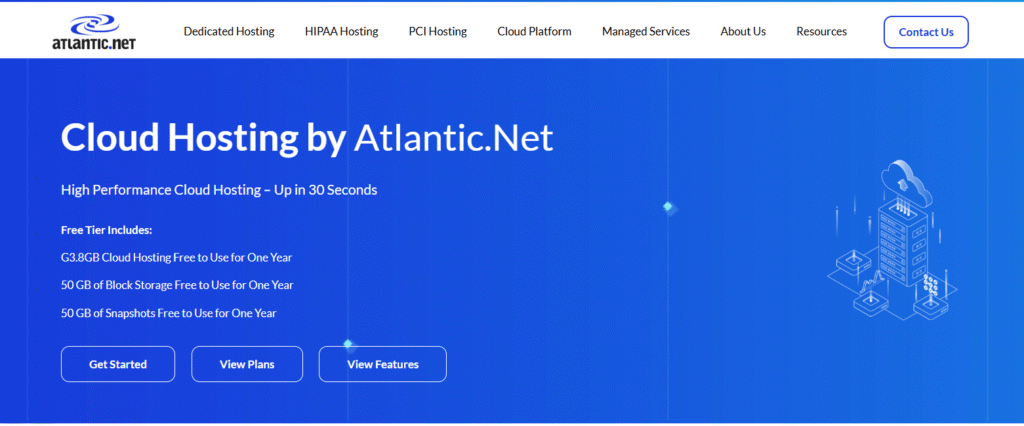
Atlantic.Net is one of the most experienced web hosting providers in the USA, offering a long-standing range of cloud, dedicated, and bare‑metal hosting solutions. Atlantic.Net is widely recognized for its HIPAA‑ and PCI‑ready environments, making it a strong choice for businesses with strict compliance requirements. Scaling is seamless thanks to fast SSD performance, usage‑based all‑inclusive pricing, and an API‑driven platform designed to support modern DevOps workflows. Backed by a 100% uptime SLA and always‑available phone support, Atlantic.Net delivers a secure, reliable, and growth‑ready hosting infrastructure.
Pros of Atlantic.Net:
• Atlantic.Net Cloud lets you scale vertically or horizontally in seconds which is perfect for handling launches, growth, or sudden traffic spikes.
• Atlantic.Net’s usage‑based, all‑inclusive pricing adjusts to real‑world demand.
You only pay for what you use, keeping costs predictable.
• Atlantic.Net offers global regions with low‑latency networking for faster worldwide performance, which is ideal for sites serving visitors across multiple regions.
• Atlantic.Net provides API‑driven automation built for modern DevOps workflows for easy to integrate into CI/CD pipelines and automated deployments.
• Atlantic.Net delivers 24/7 U.S.-based phone support for quick, and experienced engineers can assist with troubleshooting anytime.
• Atlantic.Net maintains consistent performance with enterprise‑grade networking and sites stay responsive even during heavy load.
Atlantic.Net Cloud is backed by enterprise-level SSD/NVMe RAID 10 storage.
• Atlantic.Net offers compliance‑ready hosting for HIPAA, PCI, and other regulated needs.
Cons of Atlantic.Net:
• Atlantic.Net does not offer live chat support, though phone and email are available 24/7.
Teams who rely on chat may need to adjust.
• Atlantic.Net’s multi‑region setups can introduce complexity for smaller teams.
Distributed deployments may require extra planning and management.
- DreamHost
DreamHost remains ideal for users who want WordPress-friendly hosting. DreamHost balances affordability with solid performance. It delivers reliable, no-nonsense hosting with excellent long-term value.

(Source: DreamHost)
Pros of DreamHost Hosting
- One of its standout features is the impressive array of freebies and guarantees it offers. When you sign up for an annual plan, you typically get a free domain name for the first year, complimentary SSL certificates, and free WHOIS privacy protection.
- It offers environments optimized for WordPress performance, including fast NVMe SSD storage, automatic updates, and easy migrations.
- Managed DreamPress plans offer improved speed and stability for growing websites as well.
- Most hosting plans feature unmetered bandwidth, allowing sites to handle traffic spikes without surprise fees.
- DreamHost’s custom control panel is clean and beginner-friendly.
Cons of DreamHost Hosting
- Some entry-level plans lack features such as free email hosting beyond an initial trial period, requiring paid add-ons for long-term use.
- Users accustomed to cPanel may experience a learning curve with DreamHost’s proprietary control panel.
- IONOS
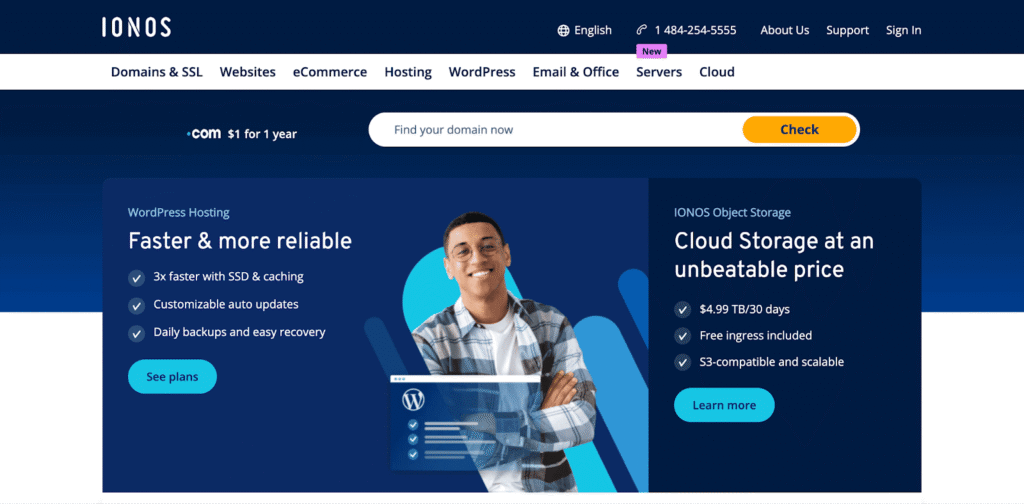
IONOS is one of the top web hosting services that focuses on providing good value. With a long history in the hosting business, IONOS offers a range of options, including shared hosting, WordPress hosting, VPS, dedicated servers, cloud solutions, and Windows-based hosting.
(Source: IONOS)
Pros of IONOS Hosting
- IONOS is known for its wide range of services, which include shared, WordPress, VPS, dedicated, and cloud hosting.
- Most plans come with helpful extras like a free domain for the first year, a free SSL Wildcard certificate, and a professional email account.
- Its geo-redundant infrastructure, where data is mirrored across multiple locations, contributes to high reliability and consistent uptime.
- IONOS’ personal support consultant model: Each customer is assigned a dedicated point of contact who understands their project and can provide tailored guidance. Combined with 24/7 phone support, this approach is highly appealing to users who value direct, human assistance.
Cons of IONOS Hosting
- IONOS uses a proprietary control panel. While the interface is generally beginner-friendly, advanced users or those accustomed to cPanel may find it limiting or less intuitive for complex configurations.
IMPORTANT
While the hosting provider is responsible for server-level protection, such as operating system updates, network firewalls, and infrastructure uptime, the security of your actual website largely depends on you. This includes keeping your CMS, themes, and plugins consistently updated to close known vulnerabilities, using strong and unique passwords, and maintaining a reliable backup and restore strategy.
It’s crucial not to assume that your host handles everything. Outdated software remains the leading cause of website hacks, making regular site maintenance an essential part of secure web hosting.
- Hostinger
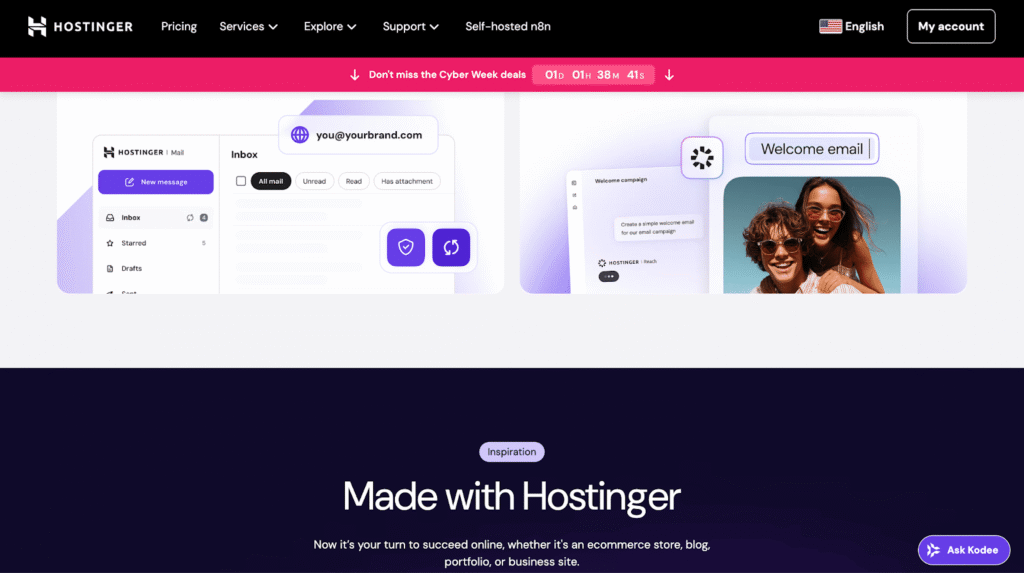
Originally starting out as a budget-friendly host, Hostinger has really stepped up its game and is now a strong contender on the global stage. They offer dependable hosting services backed by LiteSpeed servers, NVMe SSD storage, and a range of AI-powered tools. It’s no wonder that Hostinger has become a favorite among beginners, freelancers, and small businesses alike.
(Source: Hostinger)
Pros of Hostinger Hosting
- By utilizing LiteSpeed Web Servers, Hostinger ensures quick page loading and is capable of managing traffic surges efficiently.
- The addition of NVMe SSD storage in various plans enhances responsiveness even further. A complimentary CDN is frequently part of the offerings.
- Plans are feature-rich, commonly including free SSL certificates, a free domain on annual plans, automated backups, and free website migrations.
- Its custom hPanel control panel is modern, intuitive, and straightforward to navigate, especially for beginners.
Cons of Hostinger Hosting
- Users might feel some frustration when interacting with AI or bots before getting to a human representative.
- Hostinger does not offer dedicated server hosting, which could be a drawback for large businesses or projects that require a lot of resources.
- InMotion Hosting
InMotion positions itself not as a budget host but as a long-term infrastructure partner. With enterprise-grade technology, flexible hosting options, InMotion Hosting is particularly well-suited for many businesses.
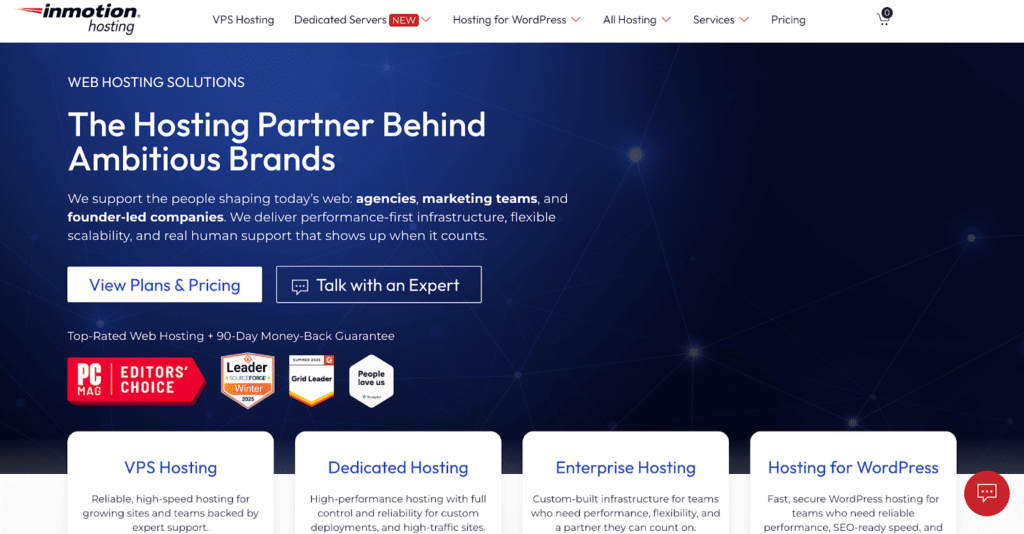
(Source: InMotion Hosting)
Pros of InMotion Hosting
- Support is available 24/7.
- InMotion also stands out for its industry-leading 90-day money-back guarantee.
- InMotion delivers strong performance across its product lineup. Most plans include NVMe SSD storage. Their proprietary UltraStack technology, which leverages modern caching layers such as NGINX and optimized server configurations, ensures fast page loads and consistent uptime.
- For developers and growing businesses, InMotion is particularly attractive due to its standard cPanel interface, advanced VPS and dedicated hosting options, and free expert-handled website migrations.
Cons of InMotion Hosting
- Some essential features also come at an additional cost. While InMotion provides basic backup tools, automated daily backups are often a paid add-on on shared hosting plans. Similarly, WHOIS domain privacy is not included for free.
7. JetHost
JetHost is a web hosting provider built for small businesses, entrepreneurs, and agencies who want fast, reliable hosting without the corporate runaround. With over 20 years of industry experience behind a fresh, performance-focused brand, JetHost delivers on speed, security, and genuine human support.

(Source: JetHost)
Pros of JetHost Web Hosting:
- Jet-Fast performance powered by NVMe SSD storage, optimized server infrastructure, and a built-in CDN, ensuring quick load times and a 99.9% uptime guarantee.
- Rock-solid security included as standard: DDoS mitigation, malware scanning, an intelligent web application firewall, and automatic patching.
- Free and unlimited website and email migrations handled by JetHost’s team with zero downtime, regardless of how many sites you’re moving over.
- Real 24/7 human support. Every support interaction is with a knowledgeable hosting expert.
- AI Website Builder lets users create professional sites with ready-made layouts and personalized content, no coding needed.
- All plans come with a free SSL certificate.
Cons of JetHost Web Hosting:
- As a newer brand, JetHost doesn’t yet have the long track record or name recognition of legacy providers like Bluehost or Hostinger.
- Plan tiers have defined visit and storage limits, which may require upgrades as high-traffic sites scale.
- A2 Hosting
Long recognized for its developer-friendly environment and aggressive focus on performance, A2 Hosting (now hosting.com) has carved out a strong reputation.
(Source: A2 Hosting)
Pros of A2 Hosting
- A2 Hosting’s defining strength is solid performance, particularly on its premium Turbo Server plans. These tiers leverage LiteSpeed Web Server, NVMe SSD storage, and advanced caching technologies.
- The platform is also highly developer- and agency-friendly. A2 Hosting supports a wide range of programming languages and frameworks and uses the industry-standard cPanel.
- Its Anytime Money-Back Guarantee allows users to receive a prorated refund after the initial 30 days.
- Free expert-handled website migrations are included, along with strong uptime reliability and consistent service availability.
Cons of A2 Hosting
- The headline-grabbing Turbo performance features are not available on the entry-level Startup plan.
- Bluehost
Hosting a multitude of WordPress sites globally, Bluehost has emerged as a favored option for newcomers, bloggers, and small enterprises. The platform provides user-friendly features and robust WordPress compatibility, along with a range of hosting solutions.

(Source: Bluehost)
Pros of Bluehost Hosting
- The platform is quite easy for beginners to navigate. Bluehost’s personalized dashboard simplifies site management for newcomers, while still providing complete access to the typical cPanel.
- The inclusion of AI-driven website builders significantly reduces the obstacles faced by users, enabling them to create and deploy a visually appealing website within minutes.
- Bluehost provides a robust array of complimentary features during the first term, such as a free domain name for the initial year, a free SSL certificate, and a free CDN.
- A free WordPress migration tool helps users move existing sites without any technical issues.
- Customer support is another plus, with 24/7 phone and live chat support available to all customers.
Cons of Bluehost Hosting
- Options such as automatic daily backups are typically not included as standard in most plans and necessitate extra subscriptions.
- Entry-level plans are also relatively resource-limited.
- Cloudways
Cloudways is a strong managed cloud hosting platform. With tools like Cloudways Copilot and a focus on performance, Cloudways is great for users who want fast, scalable service.

(Source: Cloudways)
Pros of Cloudways Hosting
- By using top cloud providers and modern hardware, websites get fast CPUs, NVMe SSD storage, and a global network.
- For WordPress users, higher-tier plans include advanced caching features such as Object Cache Pro.
- Cloudways handles server maintenance, security patches, firewalls, monitoring, and backups, while still giving users control over applications and scaling.
- Its custom control panel simplifies complex cloud operations, and advanced features such as free SSL, staging environments, automated backups, Git integration, and unlimited applications per server are included by default.
- The pay-as-you-go pricing structure removes unexpected increases in renewal rates and the need for extended contracts.
Cons of Cloudways Hosting
- Cloudways is not the best choice for beginners. Users still need to know the basics of how cloud hosting works, how to manage website addresses, and how to set up apps. People who want a simple shared hosting or easy drag-and-drop setup may find it harder to use.
- Cloudways does not include free email accounts. It also does not provide domain registration, so domains must be bought and managed separately.
- Additionally, some advanced features, such as Cloudflare Enterprise CDN and extra malware protection, are available only as paid add-ons, and priority or application-level support costs extra each month.
- GreenGeek
GreenGeeks combines strong hosting performance with a commitment to environmental sustainability. With modern speed technologies and generous features, GreenGeeks shows that green hosting does not sacrifice quality or reliability.

(Source: GreenGeek)
Pros of GreenGeeks Hosting
- GreenGeeks uses the LiteSpeed Web Server with LSCache, which provides fast load times.
- All plans come with SSD storage, a free CDN, and a container-based system that keeps accounts separate to ensure stable performance during traffic spikes.
- Shared hosting plans include a free domain for the first year, free SSL, free daily automatic backups, free website migration, and professional email hosting included.
- The use of the industry-standard cPanel makes site and account management easy for both beginners and experienced users.
- GreenGeeks provides 24/7 support, backed by knowledgeable hosting specialists.
Cons of GreenGeeks Hosting
- Even though daily backups are included, the basic plans typically allow only one free restore per month, and extra restores come with additional fees.
- GreenGeeks offers hosting solely based on Linux, making it inappropriate for sites that require Windows-based technologies.
Conclusion
The hosting provider you choose significantly affects your website’s loading speed, uptime, search engine ranking, and overall user experience. Certain options are ideal for novices, while others are designed for developers, agencies, and businesses that demand exceptional performance, managed infrastructure, and professional support.
The most suitable web hosting service for you is the one that aligns with your current requirements and has the potential to evolve with you in the future.
SUMMARY
The web hosting market is expected to see significant growth in the coming years. Revenues are projected to reach $196.6 billion by 2025. When choosing a web hosting service, focus on the three S’s: Speed, Security, and Scalability, as well as reliable Support. These elements have a significant effect on your site’s performance and future stability.
FAQs
What is the difference between shared hosting and cloud hosting?
Shared hosting places multiple websites on a single physical server with fixed, shared resources, making it affordable for beginners and low-traffic sites. Cloud hosting runs your website on a virtual server backed by a network of interconnected machines.
Should I choose a host with cPanel or a custom control panel (such as WPX’s)?
It depends on what you need most. Custom panels are simple, lightweight, and well integrated with the host’s infrastructure. They provide solid performance and an easy experience, which is ideal for users focused on speed, managed WordPress hosting, and long-term stability with one provider. cPanel is an industry standard. It comes with many features, universal documentation, and straightforward migration between hosts.
What is the main benefit of Managed WordPress Hosting?
This service provides automatic updates for the WordPress core, themes, and plugins. It also features enhanced security protocols, including malware scanning and firewalls, as well as server-level caching to ensure quick performance. By managing these essential and time-consuming responsibilities, managed hosting offers site owners improved speed, security, and tranquility.
When should I upgrade from Shared Hosting to VPS or Cloud Hosting?
You ought to consider upgrading your hosting when your website’s expansion surpasses the capacities of your existing plan. Obvious indicators include persistent slow loading times or outages during high traffic periods, regular alerts from your hosting provider about approaching CPU, RAM, or bandwidth thresholds that result in throttling, and a growing requirement for greater control or security.
What specific security features should I look for beyond a free SSL certificate?
Effective web hosting security should incorporate a Web Application Firewall (WAF) to prevent attacks, multi-factor authentication (MFA), and regular automated backups. Continuous malware scanning and elimination are essential for the timely detection of threats.
