
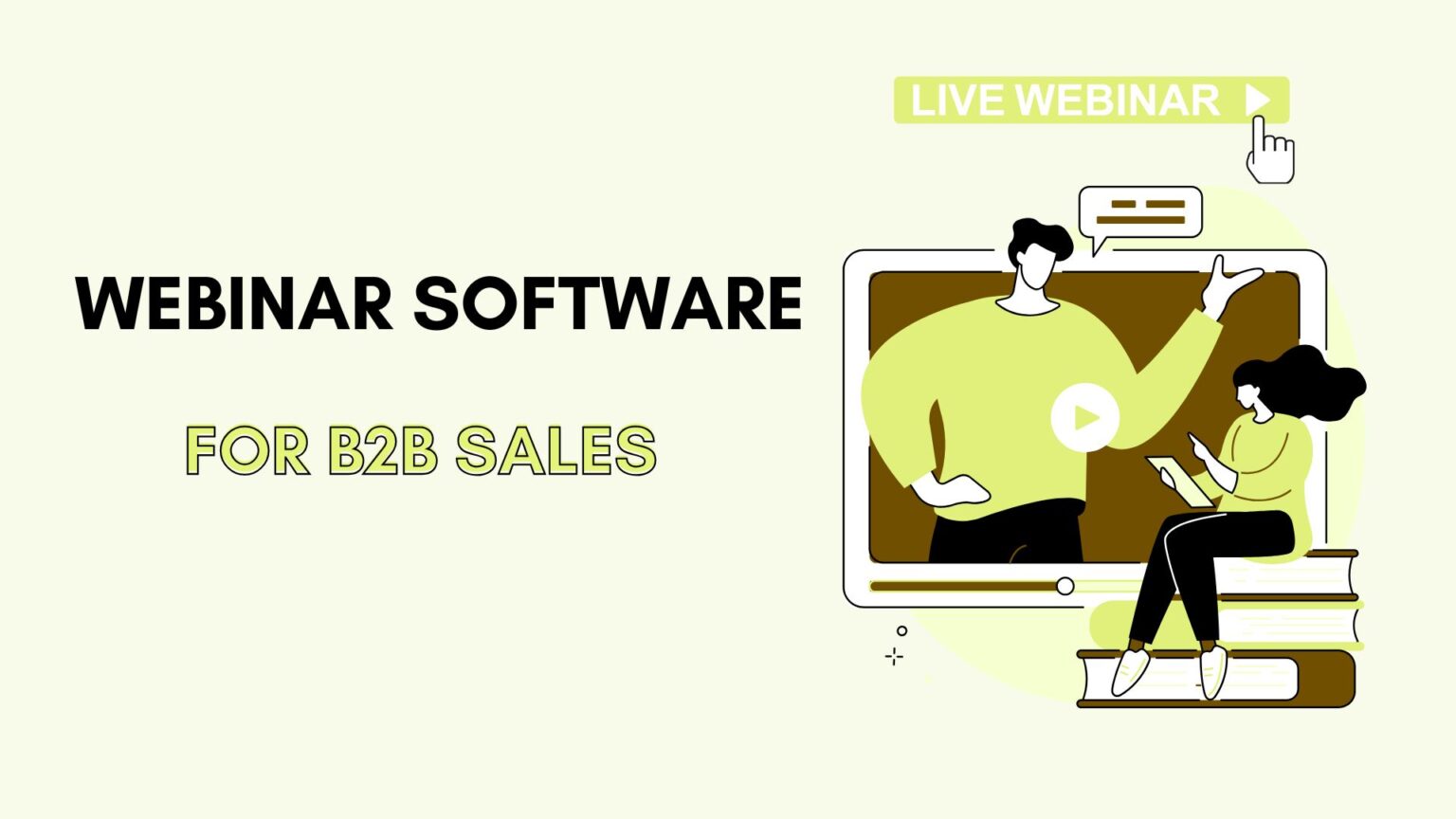
50% of marketers consider lead generation a top priority in their marketing campaigns, according to a recent HupSpot report. While everyone’s focused on the latest marketing trends and sales strategies, it’s also the perfect time to explore the best tools to boost B2B lead generation. In this review, check out the best webinar software platforms for B2B sales.
Some of these platforms do come with premium pricing, yet you are not required to get the top-tier plan to access features relevant to B2B sales. Quite impressive, considering the massive value these tools provide in lead generation, engagement, and ROI tracking.
1. Livestorm
With Livestorm, everything is built in.
Browser-based access is really useful. Nobody has to download software, which instantly boosted attendance rates (as prospects could join with a single click)
What really makes Livestorm stand out, though, is the automation. You can easily set up branded registration pages, automated reminder emails, and post-webinar follow-ups. The platform also gave us real-time analytics, showing who stayed engaged, who answered polls, and who asked questions.
With native CRM connections to Salesforce and HubSpot, all the attendee engagement data flowed directly into your pipeline. During the webinars, the interactive features, like live polls, Q&A, and chat, kept the presentations from feeling like a broadcast.
In addition, every webinar could be recorded and shared on demand. You can build a library of evergreen demos and trainings that continue generating leads long after the live event is over.
Yes, Livestorm is a full end-to-end sales webinar platform that helped us run smoother events.

Pros
- Easy to use
- Automation
- B2B-focused analytics
- CRM integrations
- Engagement features – polls, chat, and Q&A
- Content repurposing
Cons
- Limited customization for some campaigns
- Scaling costs (Pricing based on active contacts can get expensive)
- Occasional glitches
Read more Best CRM Tools for Startups
2. ON24
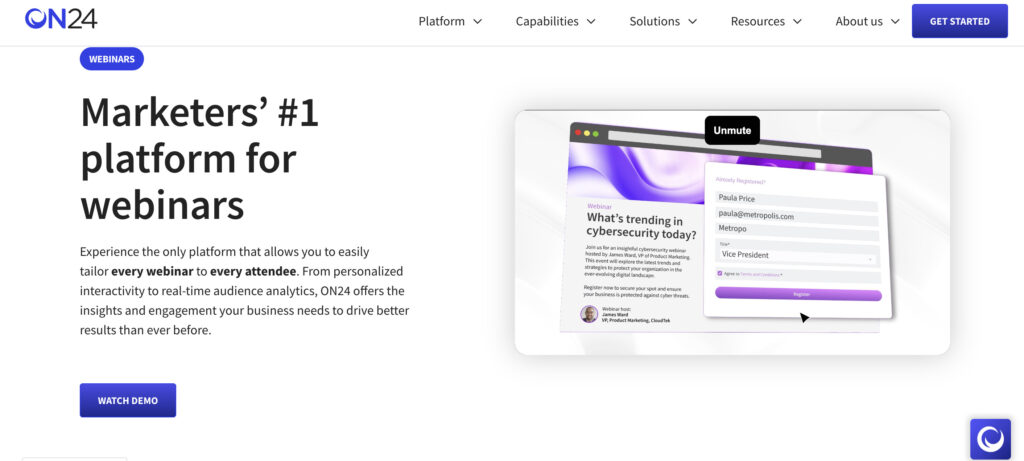
Unlike simpler platforms, ON24 hosts a webinar and also maps out the entire buyer journey before, during, and after the event.
When you run a session, you can personalize the console for every attendee, drop in branded CTAs like “Request a Demo” directly into the experience, and then view granular analytics on how each person interacts.
The differentiator of ON24 is the data. The platform tracks engagement down to the smallest detail: how long someone stays on a slide or whether they download a resource, and then rolls that up into an Engagement Score. That’s actionable intelligence your team can plug directly into Salesforce or Marketo with ON24’s native integrations. You can know who’s leaning toward purchase and prioritize them immediately.
With ON24, you can run a simulive session with a live chat, create a content hub of past webinars, and generate AI-powered highlights for social media. The platform is clearly built for enterprise-level B2B sales.
Pros
- Deep analytics
- Purpose-built for B2B with features like branded consoles, CTAs, and demo requests
- Seamless sync with Salesforce, Marketo, and other MAPs/CRMs
- High customization
- Content repurposing
- Handles thousands of attendees smoothly
Cons
- The learning curve
- Expensive, better suited for enterprise
- Occasional glitches
3. BigMarker
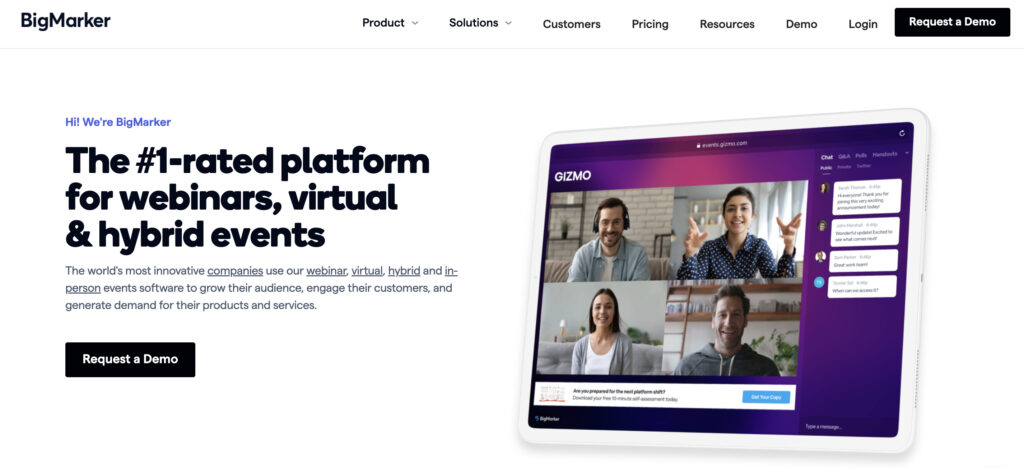
BigMarker is an all-in-one solution built for marketers from the ground up. You won’t need separate email software, video hosting, or a landing page builder.
With BigMarker, you can run live events, pre-recorded sessions, or “simulive” webinars that feel live but are played on a schedule. That meant my sales team could generate leads around the clock without needing to be “on” every time.
The feature set is massive: polls, Q&A, in-webinar offers, handouts, and built-in engagement tools. When the event wraps, the analytics dashboard shows attendance, how engaged each person is, including drop-off points and interactions.
Customization was another point. Everything, from the landing page to the webinar console to the follow-up emails, can be fully branded. And because it’s browser-based, nobody has to download software.
Pros
- Automation – live, on-demand, and simulive webinars
- Rich feature set
- Integrations with Salesforce, HubSpot, and other CRMs/MAS
- High customization
- Detailed analytics
- No downloads
Cons
- Steep learning curve
- Less accessible for SMBs
- Limited entry-level plans
Expert opinion
Whether B2B or B2C, I believe passionately that good marketing essentials are the same. We all are emotional beings looking for relevance, context and connection.

Writer & Advisor
4. Goldcast
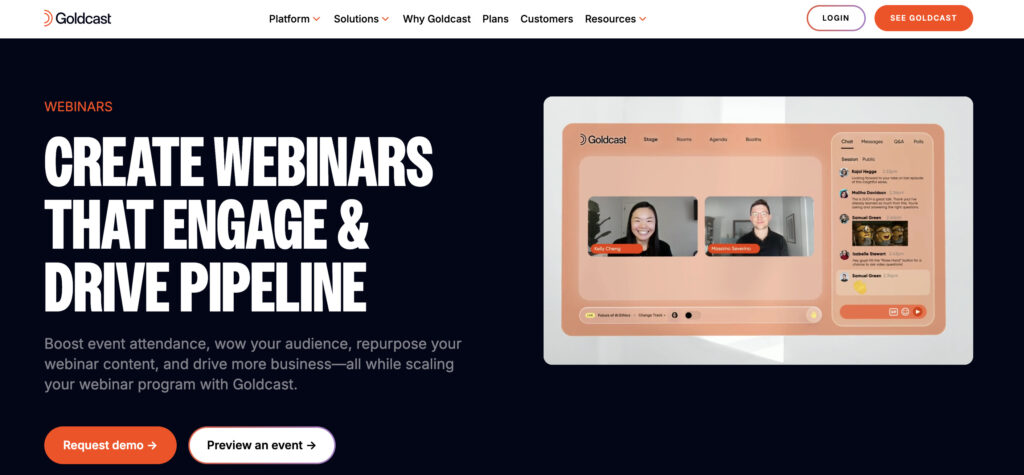
Goldcast is not cheap. It’s a premium webinar tool. The monthly investment is high, but what you’re really getting is a fully branded, data-driven webinar experience that pays for itself if pipeline is your main goal. The platform is designed specifically for B2B marketers and sales teams.
Goldcast offers an AI-powered Content Lab. As soon as a webinar ends, Goldcast automatically generates short video clips, blog summaries, and social-ready posts.
Goldcast also makes it easy to engage audiences at scale. Polls, live video Q&As, GIFs, overlays, and autoplay sessions keep attendees locked in.
Add in deep CRM and MAP integrations, and every engagement signal is instantly available to your sales reps. Pair that with a smooth, browser-based experience and strong customer support, and it’s clear why Goldcast is becoming a go-to for enterprise-level B2B webinar programs.
Pros
- Premium brand experience with customization across pages, emails, and event rooms
- Pipeline-focused
- AI-powered content repurposing
- Integrations with Salesforce, HubSpot, Marketo, Slack, and more
- Engagement features
- Easy to use for both hosts and attendees
- Responsive customer support
Cons
- Enterprise-level pricing
- The learning curve for advanced features
- Customization limits on lower plans
5. Demio
With Demio, everything runs right in the browser, and even setting up your event takes less than 30 minutes.
Demio automation allows you to take your sales demo, schedule it as an automated webinar, and let it run 24/7. Pair that with engagement tools like polls, featured actions, and handouts, and your team is not only presenting but also collecting insights that show who the most engaged prospects are.
The follow-up is equally smooth. Demio pushes all engagement data (who clicked, who downloaded, who asked questions) straight into the CRM. In short, Demio combines ease of use, automation, and data, a perfect fit for B2B sales teams.

Pros
- Super easy to use. No downloads. Intuitive for hosts and attendees
- Automation & evergreen webinars
- Powerful engagement tools
- Data-driven insights
- CRM & MAP integrations
- Reliable performance
Cons
- Audience caps on lower tiers
- No live chat for automated webinars
6. Zoom Webinars
Zoom is a very popular platform. Chances are, most of your attendees already know it and use it. Zoom Webinars is an add-on to the Zoom platform. The real draw here is scalability and reliability. You can run events with thousands of participants.
For big announcements or wide-audience demos, that peace of mind is huge. You also get standard engagement features like polls, Q&A, and live chat.
In fact, Zoom isn’t specifically built with B2B sales funnels. You get attendance reports and some polling data, but you won’t find the granular engagement scoring or intent signals you’d get with a platform like Goldcast or ON24. Still, Zoom Webinars ends up being a safe choice.

Pros
- Familiar platform
- Scalable and reliable. It supports thousands of participants with strong performance
- Standard engagement features
- Established integrations with popular CRMs and MAPs
- Easy transition for hosts (familiar if you already run Zoom Meetings)
Cons
- Lacks advanced B2B funnel features
- Basic analytics
- Weak branding options
- Pricing complexity
7. GoToWebinar
If you want something reliable for high-stakes webinars, GoToWebinar is a good choice. It’s been around for years and handles big events – up to 3,000 attendees can join, and the video and audio quality stay consistently sharp.
The platform is also packed with professional features. You can create branded registration forms, automate email reminders, send follow-ups, and host pre-recorded sessions. The analytics go deeper than most competitors, too.

Pros
- Long-standing, reliable platform with minimal downtime
- Handles scale
- Professional features
- Detailed reports on attentiveness, engagement, and sources
- Host live, automated, and on-demand webinars
Cons
- The interface looks clunky
- Lacks dynamic CTAs and interactive elements
- Limited customization
8. Webex Webinars
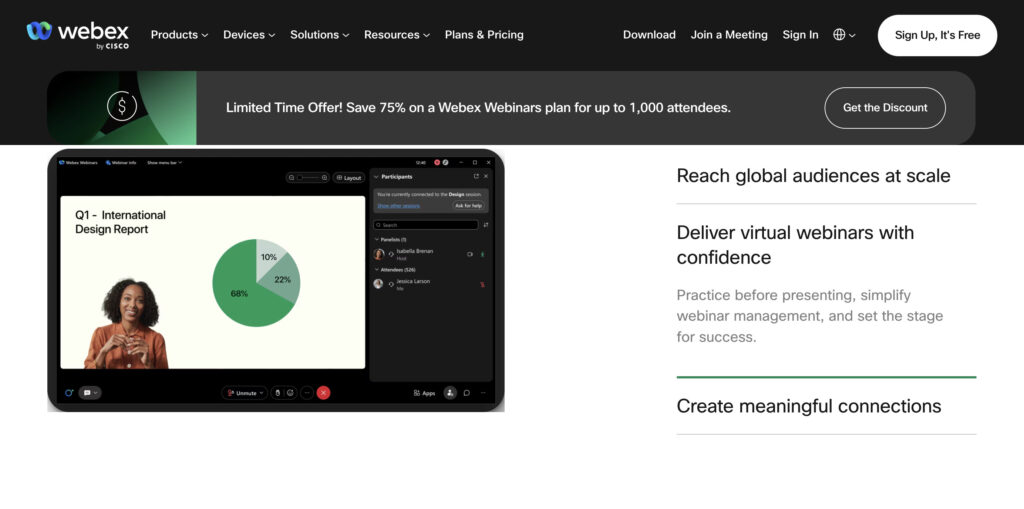
Another great option is Webex Webinars. The platform handles huge audiences with live translation. For global B2B events, that’s a game-changer.
As a Cisco product, the enterprise-grade security is really amazing. End-to-end encryption, compliance controls, and reliability give you peace of mind when dealing with sensitive data or regulated industries.
Beyond security, the platform also packs in advanced features: content sharing where you can overlay yourself onto slides, rehearsal rooms for practice runs, and breakout sessions for smaller group discussions. The AI-powered tools, like real-time transcription, automated summaries, and note-taking, are especially helpful.
Webex Webinars is very much an enterprise-level investment. If you’re running global webinars, Webex is great for scale, security, and integrations.
Pros
- Enterprise-grade security
- Massive scalability
- AI-powered tools
- Engagement features (polls, Q&A, chat, reactions, breakout rooms)
- Real-time translations
Cons
- The learning curve
- Outdated interface
- Premium pricing geared toward large enterprises
- Lacks B2B-focused features like intent scoring
Conclusion
Finally, while the high-end options offer advanced automation, analytics, and engagement capabilities, the mid-tier platforms make it easy to run professional webinars. Overall, the premium platforms provide the most robust functionality, but there are solid, cost-effective alternatives that can get the job done for smaller teams or those just starting out.
Frequently Asked Questions